
Cursor vs GitHub Copilot in 2026: Which One Should Your Team Actually Use?

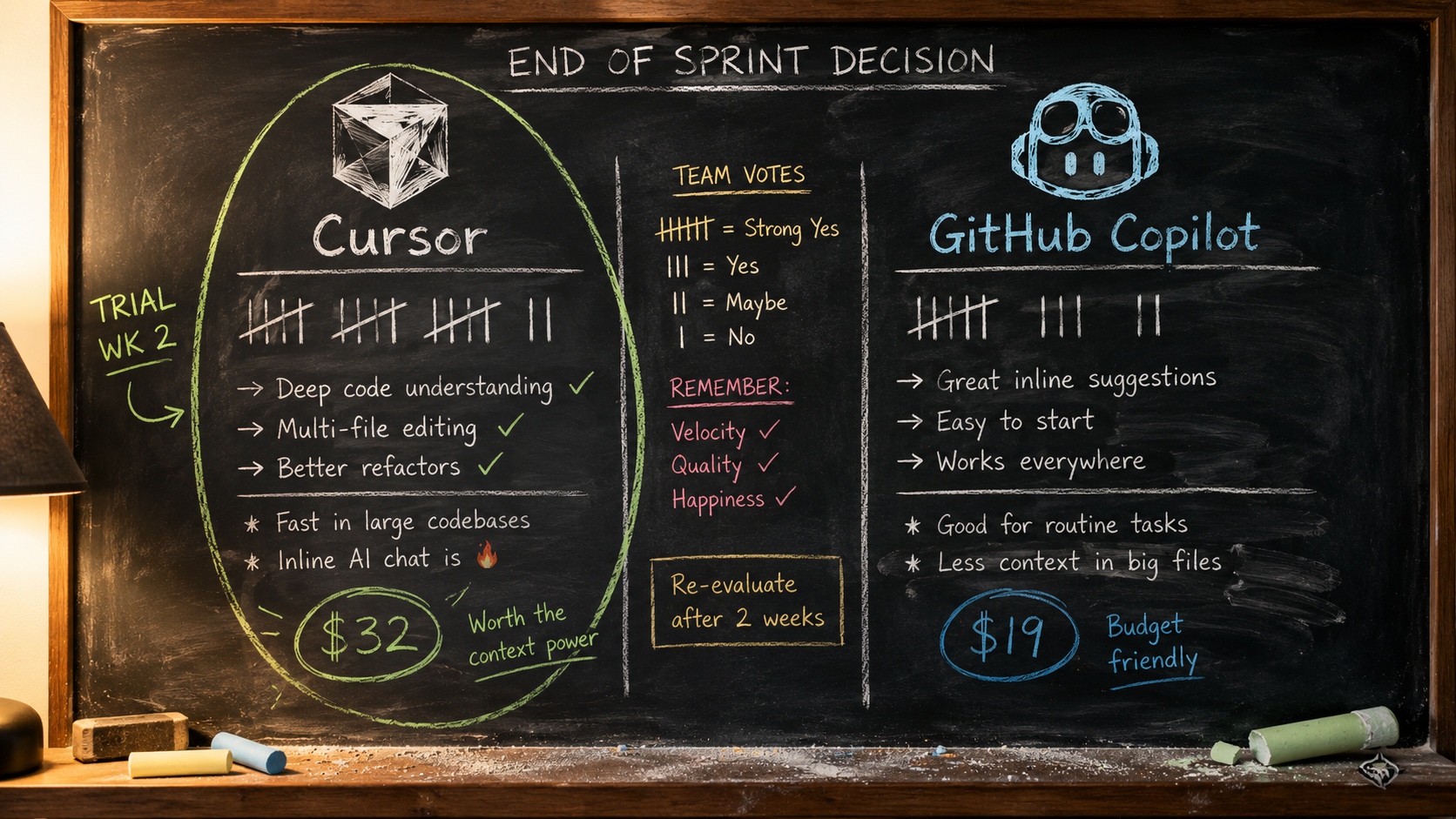
In June 2026, both companies behind the two most-evaluated AI coding tools rewrote their pricing models in the same month. GitHub moved Copilot to usage-based billing on June 1. Cursor restructured its Teams plan around usage pools and a new Premium seat, effective July 1 for renewals. That means almost every Cursor vs GitHub Copilot comparison written before June 2026 is now describing products that no longer exist commercially.
This matters more than a feature update would. For a team of 8, 20, or 50 engineers, the Cursor vs GitHub Copilot question is no longer just “which tool writes better code?” It is “which tool’s cost model, admin controls, and failure modes fit how we actually work?” Those are different questions with different answers.
This Cursor vs GitHub Copilot comparison is written for the person who has to make that call: the engineering manager, the technical PM, or the founder signing the invoice. We compared three editors more broadly in our AI code editor comparison earlier this year. This is the Cursor vs GitHub Copilot head-to-head that most teams eventually land on, updated for the pricing reality that took effect this month.
Cursor vs GitHub Copilot in June 2026: What Changed and Why Older Comparisons Mislead You
Two announcements reshaped the Cursor vs GitHub Copilot decision within four weeks of each other.
First, GitHub announced that all Copilot plans moved to usage-based billing on June 1, 2026. Premium request units are gone. Every plan now includes a monthly allotment of GitHub AI Credits, consumed by token usage at published API rates. Base prices did not change, but what you get for them did. The old fallback behavior, where users who hit their limit dropped to a cheaper model and kept working, was removed. When credits run out, work is governed by whatever budget the admin set. That single change moved the Cursor vs GitHub Copilot economics more than any feature release this year.
Second, Cursor announced improvements to Teams pricing that split every seat’s included usage into two pools: one for Cursor’s own Composer and Auto models, and one for third-party API models. It also introduced a Premium seat for heavy agent users at 5x the usage of a Standard seat for 3x the cost.
Read those two moves together and you see the real story. GitHub is betting that teams want granular cost accountability tied to actual token consumption. Cursor is betting that teams want predictable per-seat pricing and will accept being steered toward Cursor’s first-party models to get it. Your team’s usage pattern decides which side of the Cursor vs GitHub Copilot bet works in your favor.
Cursor vs GitHub Copilot: The Core Difference
Strip away the marketing and the Cursor vs GitHub Copilot decision comes down to one structural difference.
Cursor is an editor. It is a standalone application built as a fork of VS Code, redesigned around AI-first workflows: multi-file agent edits with Composer, codebase-aware chat, background cloud agents, and Bugbot for automated code review. Adopting Cursor means your developers change the tool they spend eight hours a day inside.
Copilot is a layer. It lives inside the tools your team already uses: VS Code, JetBrains IDEs, Visual Studio, Neovim, the GitHub CLI, GitHub Mobile, and github.com itself. Adopting Copilot means almost nothing about your team’s environment changes on day one.
That single difference drives most of the practical consequences in the Cursor vs GitHub Copilot decision:
- Adoption friction: Copilot deploys in an afternoon through existing GitHub org licensing. Cursor requires developers to migrate their editor setup, extensions, and muscle memory.
- Ceiling: Because Cursor controls the whole editor, its agent workflows go deeper. Composer can plan and execute changes across many files in a way that feels native rather than bolted on.
- Ecosystem pull: Copilot’s integration with pull requests, GitHub Actions, and code review keeps everything inside one vendor’s workflow. If your team lives on GitHub, that gravity is real.
- Team heterogeneity: If half your team is on JetBrains and refuses to move, Copilot covers them. Cursor does not.
Neither side of the Cursor vs GitHub Copilot divide is better in the abstract. A tool your team will not adopt is worth nothing, and a tool that caps what your best engineers can do costs you quietly every sprint.
Cursor vs GitHub Copilot Pricing: Two Very Different Bets on How Teams Pay
Cursor’s Team Pricing After the July 1 Change
The Cursor half of the Cursor vs GitHub Copilot cost equation now has two seat types, per the official Cursor pricing page:
- Standard seat: $32 per seat per month on annual billing, $40 monthly. Includes two separate usage pools: a generous allotment for Cursor’s Composer and Auto models, plus a smaller pool for third-party API models.
- Premium seat: $96 per seat per month annual, $120 monthly. 5x the included usage of Standard at 3x the price, aimed at the small group of power users who, in Cursor’s own data, drive the majority of team spend.
Teams can mix seat types, and the admin dashboard now recommends seat changes based on observed usage. Individual plans (Hobby free, Pro at $20, Pro+ at $60, Ultra at $200) still exist but lack centralized billing and admin controls, so they are the wrong basis for a team rollout.
Copilot’s Pricing After June 1
On the other side of the Cursor vs GitHub Copilot cost equation, Copilot’s sticker prices stayed put: Business at $19 per user per month and Enterprise at $39. What changed is the meter behind them. Each Business seat includes $19 in monthly AI Credits and each Enterprise seat includes $39, consumed by token usage across chat, agent mode, and premium model requests. Two details soften the transition:
- Code completions and Next Edit suggestions remain unlimited and consume no credits, so the baseline autocomplete experience is never metered.
- Existing Business and Enterprise customers get promotional included usage through August 2026: $30 and $70 in monthly credits respectively.
Credits pool across the organization, so one heavy user can draw from a light user’s unused allotment. Admins set budgets at the enterprise, cost center, and individual level, and decide whether exhausted pools stop work or roll into overage billing.
Cursor vs GitHub Copilot Cost Comparison, Side by Side
Here is how the Cursor vs GitHub Copilot cost picture looks for a team buyer:
| Factor | Cursor Teams | GitHub Copilot Business |
|---|---|---|
| Base price | $32–40/seat/month (Standard) | $19/user/month |
| Power user option | Premium seat: $96–120/month, 5x usage | Same seat + org credit pool + overage budget |
| Billing model | Per-seat with included usage pools | Per-seat + token-based AI Credits |
| Unmetered baseline | Composer/Auto pool (large, first-party) | Code completions and Next Edit (always free) |
| Cost predictability | High: pick seat types, costs mostly fixed | Variable: depends on agent/chat usage vs credits |
| Overage control | Spend alerts via Slack/email, admin limits | Budgets at enterprise, cost center, user level |
| 10-developer estimate | $320–400/month (all Standard, annual) | $190/month + credit overages if usage is heavy |
The 10-developer row deserves a caveat. Copilot looks roughly 40 percent cheaper on paper, but that gap assumes your team’s agent and chat usage stays near the included credits. A team leaning hard on agent mode with frontier models can consume its credit pool quickly, and the June change removed the fallback safety net. Cursor’s higher seat price buys a larger, more predictable first-party allowance. In the Cursor vs GitHub Copilot comparison, cheaper on paper and cheaper in practice are not always the same tool.
Where Cursor Wins for Teams
In the Cursor vs GitHub Copilot matchup, Cursor’s advantages concentrate in four areas.
Deeper agent workflows in the editor. Composer operating across an entire codebase inside a purpose-built editor remains smoother than Copilot’s agent mode operating through extension APIs. For refactors that touch a dozen files, Cursor’s flow produces fewer broken intermediate states in our experience, and developers review changes in a UI designed for exactly that.
Cost predictability after the June change. This is new, and it flips the old Cursor vs GitHub Copilot narrative. Cursor used to be the tool with scary on-demand bills; the two-pool system and Premium seats were built specifically to end billing surprises. Because the big pool is reserved for Cursor’s first-party Composer and Auto models, teams that standardize on those models get near-flat monthly costs. Copilot, ironically, is now the tool where a heavy month shows up on the invoice.
Faster model adoption. Cursor has consistently shipped access to new frontier models and its own Composer releases quickly, and the editor’s model-switching is a first-class control rather than a settings toggle.
A better fit for AI-native teams. If your developers already work agent-first, plan tasks in chat, delegate implementation, review diffs, Cursor’s whole design assumes that workflow. If your team is just starting, our Cursor tutorial for beginners shows how the onboarding actually feels from zero.
Where GitHub Copilot Wins for Teams
The Cursor vs GitHub Copilot scales tip back toward Copilot in four other areas.
Zero-migration deployment. Copilot switches on inside the IDEs your team already uses. There is no editor migration project, no extension compatibility audit, no “my keybindings broke” week. For a 50-person org, this alone can decide the outcome, because tool migrations fail for human reasons, not technical ones.
Governance and compliance depth. Copilot Business ships with organization-wide policy controls, audit logs, SAML SSO, and IP indemnity on suggestions, per GitHub’s official plan documentation. Enterprise adds organization codebase indexing and Copilot embedded across github.com. If your buyers include a security team and a legal team, Copilot’s paperwork is simply further along.
The unmetered baseline. Unlimited code completions on every plan is a quietly strong offer. A team that mostly wants excellent autocomplete with occasional chat pays $19 per user and never thinks about credits.
Platform gravity. Copilot’s code review comments on pull requests, its integration with Actions, and its presence in GitHub Mobile mean the assistant follows the code, not the editor. Teams whose real bottleneck is review latency, not typing speed, often get more from this than from a better in-editor agent.
Where Each Tool Breaks
Every Cursor vs GitHub Copilot comparison lists strengths. Deciding well requires knowing the failure modes, because you will live with them daily.
How Cursor Breaks
- The migration tax is real and recurring. Every new hire onboards into a non-standard editor. Some percentage of developers will quietly keep using their old IDE, and your per-seat spend covers people who never switched.
- The pricing steers your model choice. The generous pool covers Cursor’s first-party models. Teams that insist on third-party frontier models for everything will drain the smaller pool and face the same unpredictability the new pricing was meant to solve.
- Vendor concentration risk. Your editor, your AI assistant, and your review bot all come from one fast-moving startup. Pricing has now changed twice in about a year, and teams have limited leverage when it changes again.
How Copilot Breaks
- Credit exhaustion mid-sprint. With fallback models removed, a team that burns its pooled credits in week three faces a choice between paying overages and pausing AI-assisted work. Admins who set budgets casually will discover this at the worst time.
- Agent workflows feel bolted on. Copilot’s agent mode operates within the constraints of each host IDE. It works, but multi-file operations are noticeably less fluid than in a purpose-built environment.
- Metering changes developer behavior. When every chat message visibly consumes credits, some developers ration their usage. You end up paying for an AI assistant your team hesitates to use, which is the most expensive outcome in any Cursor vs GitHub Copilot rollout.
The Cursor vs GitHub Copilot Decision Framework: Match the Tool to Your Team
Skip the “which is better” framing of the typical Cursor vs GitHub Copilot debate and answer four questions instead.
| Your situation | Better fit | Why |
|---|---|---|
| Team of 3–15, ships fast, already AI-first | Cursor | Agent depth compounds; migration cost is small at this size |
| Org of 30+, mixed IDEs, security review required | Copilot | Zero migration, SSO, audit logs, IP indemnity |
| Budget owner demands flat, forecastable costs | Cursor | Seat-based pools beat token metering for predictability |
| Mostly wants autocomplete, light chat usage | Copilot | Unmetered completions at $19 is unbeatable value |
| Heavy agent usage concentrated in a few power users | Cursor | Premium seats price exactly this pattern |
| Workflow bottleneck is code review, not writing code | Copilot | Native PR review integration where the work already lives |
Notice what is missing from that Cursor vs GitHub Copilot table: raw code quality. That omission is deliberate. Both tools now offer access to comparable frontier models, and independent testing throughout 2025 and 2026 has shown the output quality gap narrowing to the point where workflow fit, not model quality, decides real-world productivity. If someone tells you one tool simply “writes better code,” ask which model, which language, and which month they tested, because the answer changes quarterly and neither vendor stays ahead for long.
Two honest additions to that table.
First, the Cursor vs GitHub Copilot choice is not always an either-or. A pattern we see increasingly often: Copilot Business for the whole org as the baseline, plus Cursor Teams seats for the platform or AI-tooling squad that genuinely works agent-first. The June pricing changes made this hybrid easier to justify, because both vendors now let you see exactly who uses what.
Second, run a structured trial before committing either way. Two weeks, same codebase, same tasks, both tools, and measure merged pull requests and review cycles rather than vibes. The evaluation method matters more than the tool choice, and we covered it in detail in our guide on how to evaluate AI tools without falling for hype.
How to Run a Fair Cursor vs GitHub Copilot Trial in Two Weeks
Most teams get the Cursor vs GitHub Copilot comparison wrong because they never test it properly. A fair trial does not require a committee or a quarter. It requires two weeks and a little discipline.
Days 1–2: Set the baseline. Pick three to five real tickets from your current backlog: one bug fix, one small feature, one refactor that touches multiple files. Note how long similar tickets took last sprint. Without a baseline, every result is an anecdote.
Days 3–7: First tool, real work. Have two or three developers, not just your AI enthusiast, work their normal tickets with the first tool. Track three things only: time to a mergeable pull request, number of review cycles, and how often the AI’s output was discarded entirely. That last metric is the one demos hide.
Days 8–12: Second tool, same conditions. Repeat with the other tool on comparable tickets. Resist the urge to give the second tool harder or easier work. Also pull the billing dashboard on both: Cursor’s usage pools and Copilot’s credit consumption will tell you what a real month costs, which no pricing page can.
Days 13–14: Decide on evidence. Compare the Cursor vs GitHub Copilot numbers, then ask the quieter question: which tool did developers reach for when nobody was measuring? Adoption you do not have to enforce is worth more than a benchmark win.
One warning from experience with Cursor vs GitHub Copilot trials: do not run both tools simultaneously on the same developer. The workflows are different enough that switching mid-task muddies both measurements, and you learn nothing about how either tool feels as a daily default.
5 Cursor vs GitHub Copilot Mistakes Teams Keep Making
These are the five Cursor vs GitHub Copilot mistakes we see teams repeat most often:
- Comparing sticker prices instead of modeled usage. $19 vs $32 tells you nothing until you estimate agent usage. Pull two weeks of real usage data during a trial and price both tools against it.
- Letting the loudest developer decide. Your strongest engineer’s preference reflects their workflow, not the median developer’s. The tool has to work for the person who was skeptical of AI last quarter.
- Ignoring the billing cliff. Under Copilot’s new model, decide before rollout what happens when credits run out: overage budget or hard stop. Deciding during a sprint is how outages of the “why is AI disabled” variety happen.
- Treating the trial as a demo. A one-day poke around measures novelty. Only real tickets on your real codebase expose where each tool breaks for your stack.
- Assuming the decision is permanent. Both sides of the Cursor vs GitHub Copilot market changed their economics within a single month. Whatever you pick, put a review date on the calendar six months out.
Questions Engineering Managers Keep Asking
Can we switch later if we pick wrong?
Yes, and cheaper than you think, in one direction. Moving from Copilot to Cursor is a migration project: new editor, new habits, retraining. Moving from Cursor back to Copilot is mostly an uninstall, since Copilot slots into the standard IDEs your team probably kept anyway. If you are genuinely torn on Cursor vs GitHub Copilot, that asymmetry is a reasonable tiebreaker for starting with Cursor while the team is small and switching costs are low.
Do these tools replace the need for senior review?
No, and both vendors now implicitly admit it. Cursor ships Bugbot and Copilot ships PR review precisely because AI-generated code increases review volume. Budget for review capacity to rise, not fall, in the first quarter after adoption.
Does the Cursor vs GitHub Copilot choice matter for non-engineers?
More than it used to. PMs and technical marketers increasingly use these tools for prototypes and internal scripts. Copilot’s free tier makes casual access easy across the org. Cursor’s per-seat model means non-engineers need justified seats, though its friendlier agent workflow tends to serve non-engineers better once they have one.
What happens to our spend if a vendor changes pricing again?
Assume it will happen. Both companies repriced within twelve months, and inference costs are still moving. The defensible posture is contractual: prefer monthly or annual terms you can exit, export your usage data monthly, and rerun the two-week Cursor vs GitHub Copilot trial whenever a pricing announcement lands.
The Bottom Line
The Cursor vs GitHub Copilot question in 2026 is a workflow and economics question wearing a features costume. Cursor is the better tool for teams that work agent-first and want predictable per-seat costs built around its own models. Copilot is the better tool for organizations that need zero-friction deployment, governance depth, and an unmetered autocomplete baseline inside the IDEs they already run.
The practical next step: pick your three most representative tickets from last sprint, run the Cursor vs GitHub Copilot trial on both tools over the next two weeks, and track the June billing changes against your actual usage. The team that tests on its own work will make a better call than the team that reads ten more comparisons, including this one.