
5 Best AI Tools for Writing PRDs That Sound Like a Real PM Wrote Them

The Real Problem With AI PRD Writing
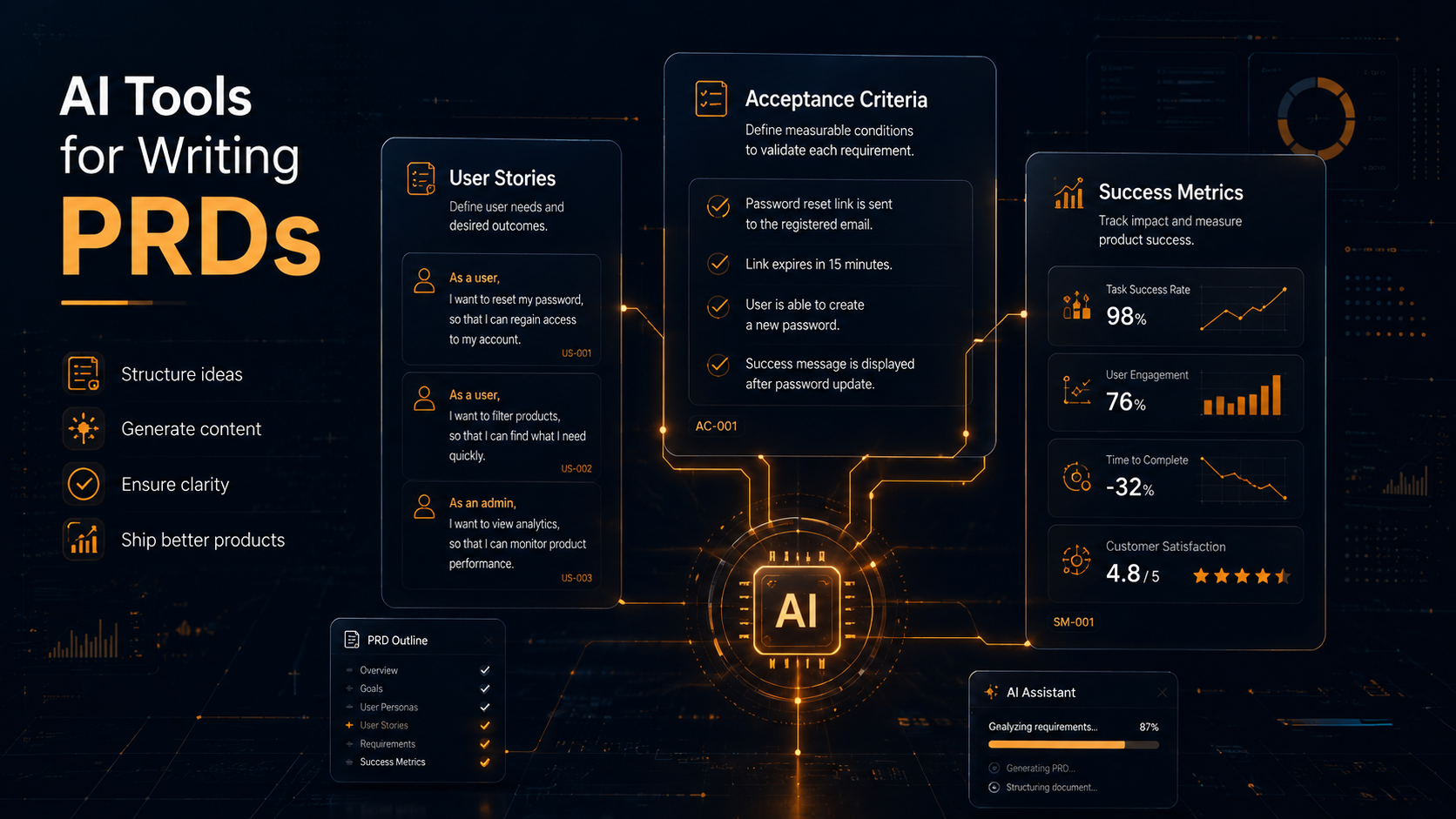
You ask an AI to write a PRD. It gives you something that looks technically complete: a problem statement, user stories, acceptance criteria, success metrics, edge cases. The sections are there. The formatting is clean. And somehow, it reads like it was written by someone who has never had a sprint planning argument in their life.
That is the gap most PMs run into when they start using AI tools for writing PRDs. The output is structurally correct but contextually hollow. It does not know about the three competing stakeholder opinions that shaped this feature. It does not reflect the constraint you discovered last Tuesday. It has no opinion on the tradeoffs your team is actively debating.
That is not a reason to stop using AI tools for writing PRDs. It is a reason to use them differently — and to choose the right ones for how your team actually works.
This post covers the 5 best AI tools for writing PRDs that genuinely improve document quality, not just speed. Each has a different approach, a different fit, and a different failure mode. Understanding these differences is what determines whether you end up with a PRD that engineers trust or one that gets rewritten in the first sprint planning meeting.
What Makes a PRD Sound Like a Robot Wrote It
Before comparing AI tools for writing PRDs, it is worth naming exactly what goes wrong when AI drafts PRDs without proper input. Most teams that try AI tools for writing PRDs hit the same wall: the output sounds plausible but feels empty to anyone who was actually in the room when decisions were made.
- Generic problem statements: “Users need a faster way to complete X” says nothing. A real PM writes from specific research, ticket data, or customer call patterns — not from what the AI guesses the problem might be.
- Vague acceptance criteria: AI tends to write criteria that sound thorough but lack precision — “the system should respond quickly” instead of “p95 response time under 400ms.”
- Missing context: The PRD does not reflect your tech constraints, team capacity, existing architecture decisions, or the product philosophy your leadership team has been pushing for six months.
- No voice: Every section reads with the same neutral confidence, which means nothing stands out and engineers cannot tell what actually matters versus what is boilerplate.
Good AI-assisted PRD writing starts with you providing the context AI cannot infer. The 5 AI tools for writing PRDs below differ significantly in how much they help you structure and deliver that context.
Claude: Structured Thinking and Long-Context PRD Drafting
Claude is the strongest general-purpose option among AI tools for writing PRDs, specifically because of how it handles complexity and instruction-following at scale. If you are looking for a single AI tool for writing PRDs that covers the widest range of use cases, Claude is the answer to start with.
Most AI tools struggle when you give them long, layered input — research notes, customer feedback, competing specs, architecture constraints. Claude handles this well. You can paste a full discovery document, add a rough structure, specify which sections matter most, and ask it to draft a PRD that reflects the actual decision context. The output reflects the input rather than defaulting to a generic template.
Where Claude stands out as an AI tool for writing PRDs:
- It holds a long context without losing earlier constraints — critical when a PRD builds across multiple sessions or requires referencing earlier stakeholder decisions.
- It follows nuanced instructions. Tell it to write acceptance criteria in the specific format your engineering team uses, and it will apply that format consistently throughout the document.
- It reasons about tradeoffs when you ask it to. “Given these three constraints, which approach fits better in the PRD’s scope section” gets you a reasoned answer, not a hedge.
- It does not invent details it does not have. Prompt it correctly and it will flag gaps rather than fabricate plausible-sounding filler.
The failure mode with Claude as an AI tool for writing PRDs is the same as every general LLM: weak input produces confident-sounding output that misses the point. The quality ceiling is high, but the floor depends entirely on how well you prompt and how much real context you provide.
Best fit for: PMs who write complex PRDs with multiple stakeholder constraints, long discovery trails, or custom team formats. Also strong for PMs who want to think through a problem collaboratively before writing — using Claude as a reasoning partner before it becomes a drafting tool.
Access: Claude.ai — available on free and paid plans. The Pro plan gives access to larger context windows and priority access to newer models.
Notion AI: Writing Inside Where Your Docs Already Live
Notion AI does not match Claude’s raw capability as an AI tool for writing PRDs, but it has one advantage Claude does not: it lives inside your existing documents. For teams whose entire product workflow — research, meeting notes, roadmaps, design feedback — already lives in Notion, this proximity changes the practical value significantly.
When using Notion AI as an AI tool for writing PRDs, you are not copying and pasting context into a separate tab. The context is already in the workspace. Notion AI can reference your existing pages when helping you draft, which eliminates one of the biggest friction points in AI-assisted writing: the transfer of context from where it lives to where the writing happens.
Practical uses for Notion AI as an AI tool for writing PRDs:
- Summarizing a long research document into a problem statement for your PRD.
- Drafting user stories from a list of raw requirements or meeting notes already stored in Notion.
- Filling in standard sections like success metrics or out-of-scope notes when you have the raw thinking but not the polished language.
- Editing for consistency across a PRD written by multiple contributors.
The limitation is writing ceiling. As an AI tool for writing PRDs, Notion AI works best for generation and cleanup within structured templates. For nuanced reasoning, complex constraint handling, or high-stakes documents where every word matters, Claude will outperform it.
Best fit for: Teams already using Notion as their documentation system. If your PRD template and your research both live in Notion, this is the AI tool for writing PRDs with the least adoption friction.
Access: Available as a paid add-on on any Notion plan. Pricing details at notion.com/product/ai.
Cycle: Purpose-Built AI for Product Managers
Cycle approaches the problem differently from every other AI tool for writing PRDs on this list. Rather than a general writing assistant you adapt for product documentation, Cycle structures the entire PM workflow — feedback collection, feature prioritization, roadmap planning, and PRD creation — inside one system. It is one of the few AI tools for writing PRDs where the AI assistance starts before the writing itself begins.
The AI in Cycle clusters customer feedback by theme, connects that feedback to specific features, and generates a draft PRD informed by actual product data rather than abstract requirements. As an AI tool for writing PRDs, Cycle’s output reflects what your customers asked for, what your team decided, and what tradeoffs were made — because all of that context lives in the same tool that generates the document.
Key capabilities that distinguish Cycle as an AI tool for writing PRDs:
- Feedback synthesis: AI groups customer requests and bug reports by feature area, giving you grounded problem statements instead of invented ones.
- Feature definition: Generate a structured feature spec from synthesized feedback with minimal manual writing.
- Context retention: The AI drafts with the full product context visible — not just what you remember to copy into a prompt.
Best fit for: Product teams that want AI embedded in the full PM workflow, not just the writing step. Most valuable if you are willing to shift how you collect and process product feedback to take full advantage of the system.
Access: cycle.app — free trial available. Pricing scales by team size.
Linear + AI: For Dev-Adjacent PMs Speccing Features With Tickets
Linear is primarily an issue tracker and engineering workflow tool. Its AI capabilities are not designed to produce full PRDs. But for PMs in engineering-led teams where the spec lives close to the ticket, Linear’s AI functions belong in any practical comparison of AI tools for writing PRDs — because for many teams, the ticket-level spec is the PRD.
What Linear AI does well in the context of AI tools for writing PRDs:
- Generating issue descriptions from brief summaries — useful when you need to spec a feature directly in the tool your engineers already live in.
- Suggesting labels, priorities, and related issues based on the content you write.
- Drafting sub-tasks from a high-level feature description to give engineers a clear breakdown before work starts.
The limitation is scope. Linear AI handles ticket-level writing, not the broader strategic framing that a full PRD requires. If your PRD needs a problem statement, strategic rationale, and success metrics that connect to business goals, you still need a different AI tool for writing PRDs to handle that layer — then bring the output into Linear.
Best fit for: Dev-adjacent PMs in engineering-led organizations where the issue tracker is the source of truth. Works well paired with Claude or Notion AI for the strategic PRD layer and Linear AI for the implementation detail layer.
Access: linear.app — AI features available on paid plans.
Confluence AI: Atlassian Intelligence for Enterprise Teams
For enterprise PMs whose organizations run on Jira and Confluence, Atlassian Intelligence is the natural AI tool for writing PRDs to evaluate first — not because it is the most powerful, but because it operates inside the system where your PRDs already live and where your engineering tickets connect.
Atlassian Intelligence as an AI tool for writing PRDs can:
- Draft page content from a brief summary or outline directly inside Confluence.
- Summarize long Confluence pages — useful when your PRD pulls context from multiple existing documents spread across the wiki.
- Improve writing clarity and fix tone inconsistencies across a PRD written by multiple authors.
- Generate action items and summaries from meeting notes linked to a PRD page.
The Jira integration means Atlassian Intelligence can pull in relevant ticket data, sprint context, and project history when you are writing in Confluence — similar to the in-context advantage Notion AI has for Notion-first teams. For AI tools for writing PRDs in an enterprise context, this integration is often more valuable than raw writing quality.
The limitation is writing sophistication. For high-stakes PRDs that require nuanced reasoning, you will still get stronger output from Claude and paste it into Confluence for distribution and collaboration.
Best fit for: Enterprise teams where Confluence is the mandated documentation platform and where Jira integration and team-wide adoption matter more than raw AI writing quality.
Access: Atlassian Intelligence is available on Atlassian’s Premium and Enterprise plans. Details at atlassian.com.
How to Use Any AI Tool for PRDs Without Producing Robot Output
Regardless of which AI tools for writing PRDs you use, the quality of your final document depends more on your input than on the AI’s capability. Here is what separates a PRD that sounds like a real PM wrote it from one that sounds like a template generator ran loose.
Give the AI real context, not abstract descriptions
Every AI tool for writing PRDs performs better when you give it specifics. Instead of: “Write a PRD for a notification feature” — try this:
“We are building a notification system for our project management tool. Team members miss critical deadline changes when they happen outside business hours. Our current email notifications have open rates below 20%. We are considering push notifications and in-app alerts. Engineering flagged that the mobile app does not support background sync on Android yet. Write a PRD scope section that reflects these constraints.”
The second prompt produces something a real PM could use. The first produces filler — regardless of which AI tool for writing PRDs you are using.
Separate generation from review
Use the AI tool to draft. Use your own judgment to review. The review is not optional — it is the step where your context, your relationships, and your product sense get added to the document. A PRD you did not review is not your PRD, regardless of which AI tools for writing PRDs generated the first draft.
Use AI for the sections you find tedious, not the ones that matter most
Success metrics, acceptance criteria formatting, out-of-scope sections, and edge case lists are all strong candidates for AI assistance. The problem statement, the strategic rationale, and the prioritization decisions should come from you first — with the AI tool for writing PRDs helping you sharpen the language, not generate the thinking.
Define your format once and reuse it
Give any AI tool for writing PRDs your team’s PRD template in the prompt. If your engineering team uses a specific acceptance criteria format, or your design team needs a particular section before they start work, include those requirements explicitly. The AI will follow them consistently if you define them clearly upfront.
Which Tool Should You Actually Use
| AI Tool for Writing PRDs | Best For | Key Limitation |
|---|---|---|
| Claude | Complex PRDs, long context, nuanced reasoning | Requires strong input to produce strong output |
| Notion AI | Teams already using Notion for all product docs | Writing ceiling lower than dedicated LLMs |
| Cycle | Full PM workflow including feedback and roadmap | Requires adopting Cycle as your system of record |
| Linear + AI | Ticket-level specs in engineering-led teams | Not suited for full strategic PRD writing |
| Confluence AI | Enterprise teams on Atlassian stack | Writing quality functional but not sophisticated |
If you need one answer for the best AI tool for writing PRDs: start with Claude. It handles the widest range of PRD types, requires no tool migration, and produces the highest quality output when given strong input. Pair it with whatever documentation system your team already uses for storage and collaboration.
If your team has already committed to a product workflow tool like Cycle, or if you are operating inside an Atlassian enterprise environment, use the AI tool for writing PRDs that lives closest to where your product decisions are actually being made. The best AI tool for writing PRDs is the one your team will use consistently — not the most powerful one sitting in a separate tab that nobody opens.
The AI tools for writing PRDs have matured significantly. The bottleneck is now the quality of the context you feed them, and whether you take the time to review and own the output before it reaches your engineering team, your design team, or your stakeholders.
For more on building an AI workflow that fits how software teams actually work, see AI Tools for Project Managers: Build a Lean Stack That Actually Works and AI for Product Managers: How to Kill 30% of Your Weekly Workload.