
Monday.com AI Review 2026: Is It Worth the Price Jump From ClickUp?

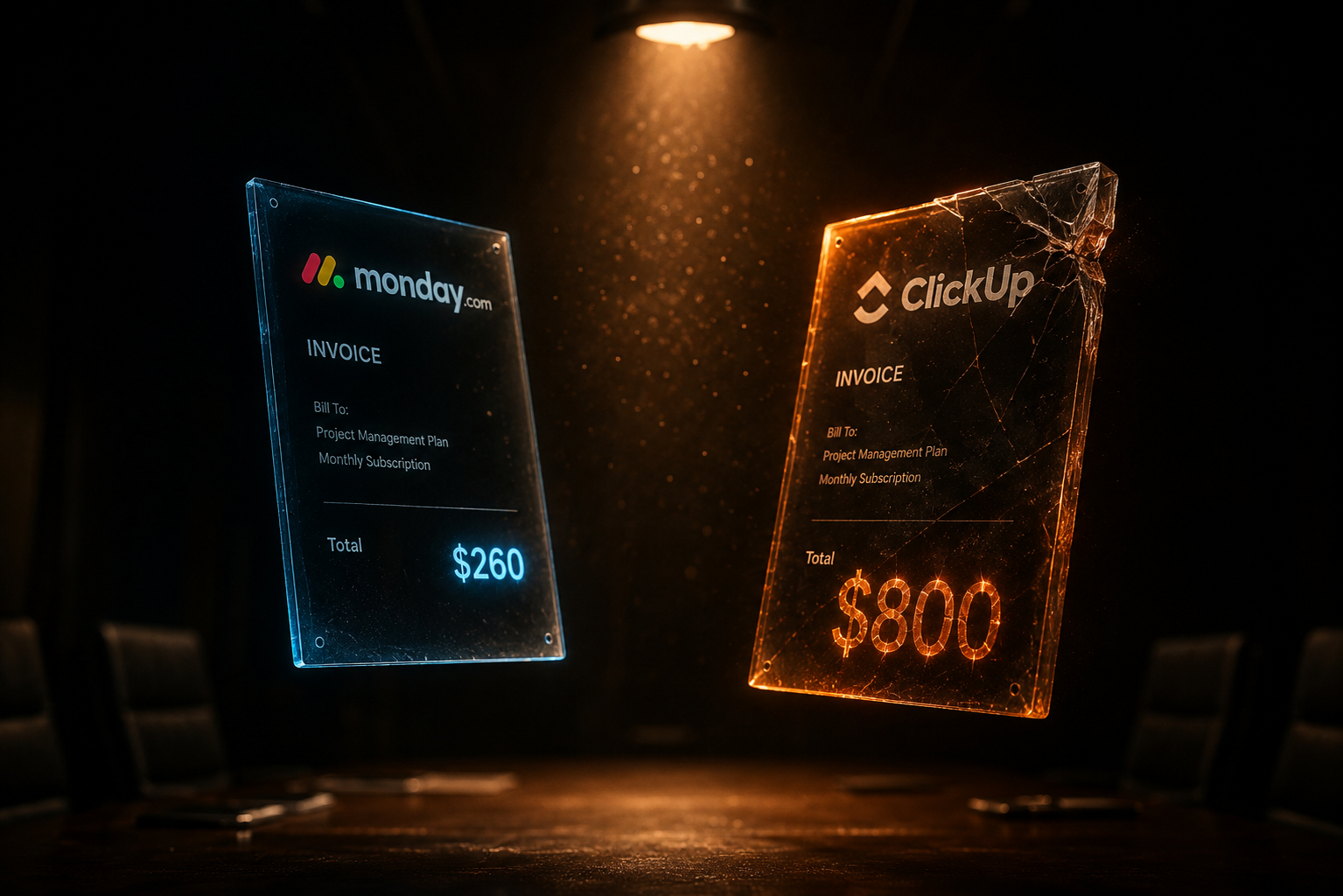
Nobody abandons a Monday.com evaluation because of the $12 seat price. They abandon it at checkout, when the mandatory AI credit bucket appears next to the seat count and the invoice stops matching the pricing page they screenshotted a week earlier. This Monday.com AI review exists for exactly that moment: what the AI layer actually includes in 2026, what it really costs once credits enter the math, and whether the total is worth paying when ClickUp sits a tier cheaper with an AI add-on you can simply decline.
One thing before the breakdown: neither Monday.com nor ClickUp is a Spoiled by AI affiliate partner at the time of writing. No commission shapes this verdict in either direction.
What Monday.com AI Actually Includes in 2026
Monday.com AI is not one feature. It is a portfolio of six capabilities, all drawing from a single shared pool of AI credits under what the company now calls the monday AI work platform:
| Capability | What It Does | Credit Cost |
|---|---|---|
| AI blocks | Reusable AI functions inside columns and automations: categorize, extract, summarize, translate | 8 credits per action; same-item actions within 24 hours counted once |
| monday agents | Digital workers that monitor boards and act autonomously on tasks | ~10–50 credits (simple) up to 250+ (extra complex) per run |
| AI Notetaker | Joins meetings, produces notes and action items | 120 credits per meeting hour |
| monday sidekick | Conversational assistant across the workspace | Credit consumption per interaction starts July 20, 2026 |
| monday vibe | AI app building inside the platform | Credit consumption starts July 20, 2026 |
| AI workflows | Multi-step AI-powered automations | Per-run consumption starts July 20, 2026; Standard capped at 3 active workflows, Pro at 20 |
All figures come from monday.com’s own pricing documentation, which flags that credit usage is subject to change. That July 20 date matters more than it looks: three of the six capabilities do not consume credits yet, which means any credit budget you calculate from today’s usage will understate what the same behavior costs in August. We covered how the two platforms’ AI layers behave on shared tasks in our ClickUp vs Monday.com AI comparison; this review stays on the Monday.com side of that line and goes deeper on the question the comparison could not settle: the price.
Monday.com AI Pricing: The Credit Math Nobody Runs Before Checkout
Since May 6, 2026, every new monday AI work platform account must buy AI credits alongside seats. Not optionally. The purchase flow bundles them, and the minimum bucket scales with the plan tier:
| Plan | Seat Price (annual billing) | Minimum AI Credits | Available Credit Buckets |
|---|---|---|---|
| Basic | $9/seat/month | 1,000/month | 1,000 |
| Standard | $12/seat/month | 2,000/month | 2,000 / 4,000 / 8,000 |
| Pro | $19/seat/month | 3,000/month | 3,000 / 4,000 / 8,000 / 20,000 |
| Enterprise | Custom | Custom | Contact sales |
Credits are priced at roughly one cent each in the current purchase flow on monday.com’s pricing page, so the Standard minimum adds about $20 per month to the invoice and the Pro minimum about $30, before a single seat is counted. Paid plans also carry a three-seat minimum, so the real Standard entry point is $36 in seats plus $20 in credits: $56 per month for a team of two or three.
Now run the consumption side, because this is where Monday.com AI budgets actually break. Take a 6-person team that runs 12 hours of recorded meetings a week and uses AI blocks to triage an intake board of new requests:
- AI Notetaker: 12 meeting hours × 120 credits × ~4.3 weeks ≈ 6,200 credits per month. That alone is triple the Standard minimum bucket.
- AI blocks on intake: categorizing and summarizing 150 new items a month at 8 credits per action ≈ 1,200 credits, more if each item gets multiple block actions on different days.
- One monday agent doing weekly follow-ups on stale items: anywhere from 40 to 1,000+ credits a month depending on how complex each run is, and complexity is scored by the platform, not by you.
That team needs the 8,000-credit bucket, not the 2,000 minimum. Their real Monday.com AI cost is roughly $72 in seats plus $80 in credits: about $152 per month, or just over $25 per person. The pricing page number they anchored on was $12.
Where the Price Jump From ClickUp Actually Comes From
The jump is not the seat price. Monday.com Standard and ClickUp Business both list at $12. The jump comes from three structural differences in how Monday.com AI is sold:
- AI is mandatory on Monday.com, optional on ClickUp. A new Monday.com account buys credits whether or not the team ever touches an AI feature. ClickUp’s Brain AI add-on is $9 per user per month, and a workspace can decline it entirely and still run every core feature.
- The comparable entry tier is cheaper on ClickUp. ClickUp Unlimited is $7 per user; Monday.com’s cheapest useful tier is $9 with a three-seat minimum and a mandatory 1,000-credit bucket on the new platform.
- Monday.com AI cost scales with behavior, not headcount. ClickUp’s $9 or $28 AI tiers are flat per seat. Monday.com’s credit pool is shared account-wide, which is cheaper for light use and more expensive, and less predictable, for heavy use.
So the honest framing is not “Monday.com costs more.” It is “Monday.com AI makes your bill a function of usage you have not measured yet.” For a finance team, that is a forecasting problem before it is a cost problem.
What Monday.com AI Gets Right
A review that stopped at the invoice would miss why teams pay it anyway. Four things stand out after working inside the platform:
- AI blocks are the most practical entry point in either tool. Dropping a categorize or summarize function directly into a board column means non-technical teams get value on day one without building a single automation. The 24-hour dedupe rule, where repeated actions on the same item count once, is a genuinely fair billing detail.
- The AI governance dashboard is ahead of ClickUp’s. Admins see exactly which feature is burning credits, account-wide, and can set usage limits. On Enterprise, access is controllable per role. If you manage AI spend for a company rather than a squad, this is the strongest single argument for Monday.com AI.
- monday agents handle board hygiene well. An agent that watches for stale items, chases missing fields, and nudges owners does the unglamorous work PMs usually batch on Friday afternoons. It is the feature closest to a real digital teammate rather than a text generator.
- The 80% and 100% usage notifications, plus a grace period after the ceiling, mean the credit model fails softly rather than cutting AI off mid-meeting.
Where Monday.com AI Falls Short
The weaknesses in Monday.com AI are just as concrete, and two of them are structural rather than fixable by a feature update:
- You cannot predict agent costs. Runs are billed by complexity on a scale from roughly 10 to over 250 credits, and the platform decides the complexity. Budgeting a feature whose unit price varies 25x per run is guesswork until you have a month of governance data.
- The model is a moving target through 2026. Sidekick, vibe, and AI workflows all start consuming credits on July 20, 2026. A team that sized its bucket in June against June usage will watch the same habits cost more in August. Monday.com’s own documentation says credit usage is subject to change.
- Standard’s 3-active-workflow cap is tight. AI workflows are among the most valuable capabilities in the platform, and the tier most teams buy limits them to three. Meaningful workflow automation effectively pushes you to Pro at $19 per seat.
- Notetaker pricing punishes meeting-heavy cultures. At 120 credits per hour, a team that records everything will find Notetaker dominating the entire credit budget, exactly the trap we flagged in the head-to-head comparison. ClickUp’s unlimited Notetaker in its $28 Everything AI tier is more expensive on paper and cheaper in practice for that specific culture.
Who Should Pay the Jump, and Who Should Not
The Monday.com AI verdict splits cleanly by team profile rather than by feature preference:
| Team Profile | Verdict | Why |
|---|---|---|
| Ops, marketing, or mixed non-technical teams using AI on intake and boards | Worth it | AI blocks deliver immediate value with zero setup skill; credit costs stay near the minimum bucket |
| Companies where finance demands feature-level AI spend visibility | Worth it | The governance dashboard is the best AI cost-control surface in this category |
| Light, occasional AI users on small boards | Worth it, at Basic or Standard minimum | Shared credit pool beats paying a flat $9/seat for capability most seats never touch |
| Meeting-heavy teams recording most calls | Not worth it | Notetaker’s 120 credits/hour swallows the budget; ClickUp’s flat-fee unlimited Notetaker wins |
| Automation-heavy software teams | Not worth it on Standard | 3-workflow cap forces Pro; ClickUp Business + Brain AI at $21/seat is more predictable |
| Teams that want AI truly optional | Not worth it | New accounts cannot decline the credit purchase; ClickUp can run AI-free at $7–12/seat |
If your team does not appear in that table, the tiebreaker is the one we use in our framework for evaluating AI tools without the marketing hype: price the tool against the workload you already have, not the workload the demo shows.
The Verdict on Monday.com AI in 2026
Monday.com AI is a genuinely capable layer with the most beginner-friendly AI feature in the category and the best admin-side cost visibility. It is also the only major PM platform where AI spend is now a required, usage-variable line item that three upcoming billing changes will make harder to forecast, not easier. The price jump from ClickUp is real, but it is not a number: it is a shift from a bill you set to a bill you monitor.
The practical next step: before paying for either platform, spend one week logging your team’s actual AI-shaped work: meeting hours you would record, items you would triage, follow-ups you would delegate. Convert that log into credits using the consumption table above. If the total sits comfortably inside a Standard minimum bucket, Monday.com AI is worth the jump. If Notetaker alone blows past it, you already have your answer, and it did not cost you a single seat to get it.