
ClickUp vs Monday.com AI: The 2026 Comparison That Actually Saves You Time

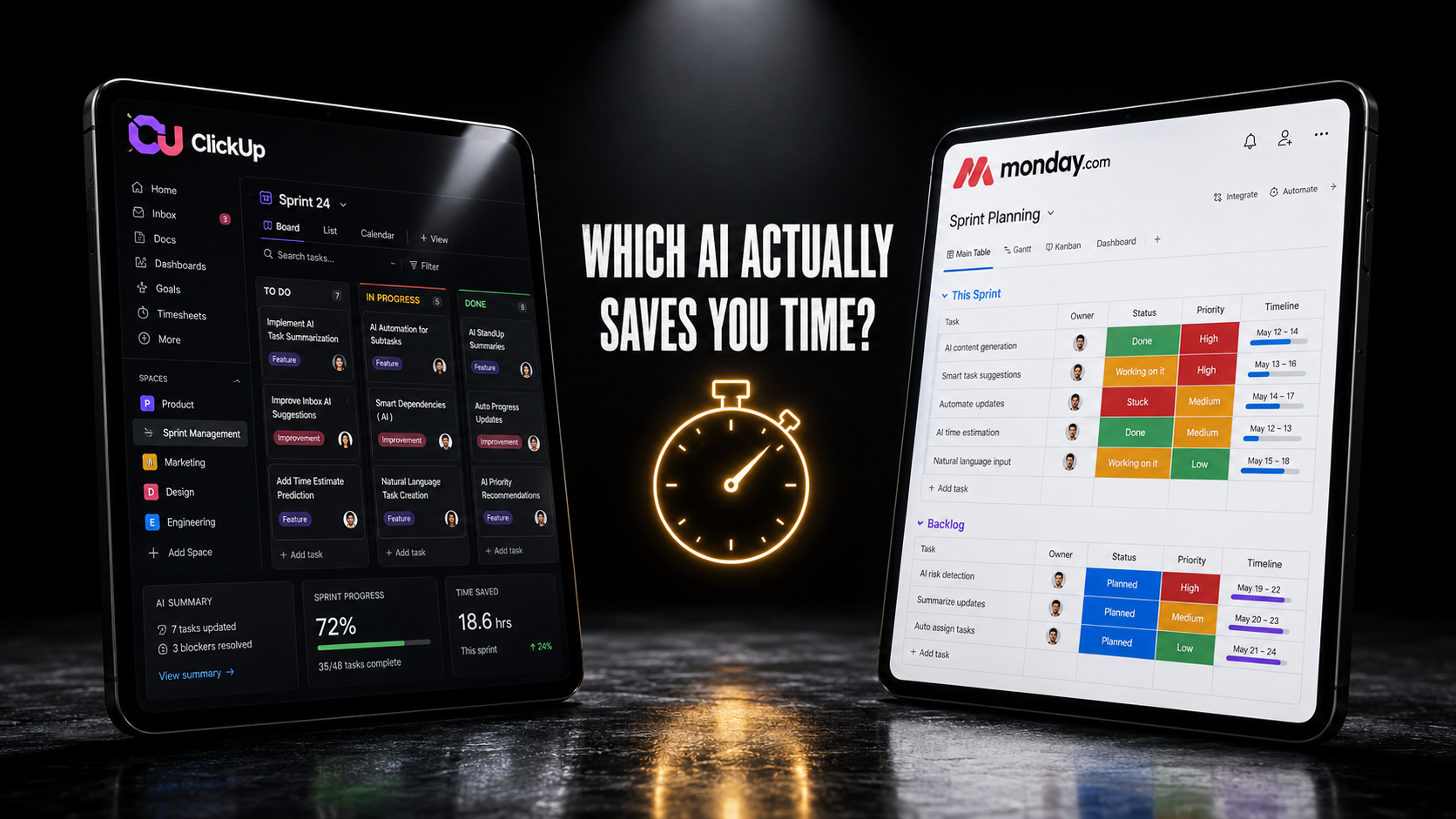
Every PM tool comparison article reads the same way: a feature table, a pricing chart, a vague conclusion that “it depends on your team.” That format was already tired in 2023. In 2026, with both platforms shipping AI add-ons that cost as much as the base plan itself, a feature table tells you almost nothing about which tool actually saves your team time. The ClickUp vs Monday.com AI question only matters if you answer it by what each AI layer does on a real task, not by counting checkmarks.
So that is what this comparison does: the same sprint-planning task, run through ClickUp Brain and monday AI, side by side, with the real 2026 pricing for both. No affiliate link is attached to either tool in this post. Neither ClickUp nor Monday.com is a confirmed Spoiled by AI partner program at the time of writing, so nothing here is shaped by which one pays a commission.
Why This ClickUp vs Monday.com AI Comparison Needs a Different Approach in 2026
Both platforms changed their AI pricing models within weeks of each other this year, and that change is the real story, not a footnote. ClickUp split its AI into Brain AI and Everything AI, billed as a per-seat add-on stacked on top of the base plan. Monday.com went further: starting May 6, 2026, new customers are required to buy AI credits as part of setup, on top of seats, under a model the company calls the monday AI work platform.
That shift matters because it changes what “which tool has better AI” even means. A feature comparison from a year ago is already wrong. Most ClickUp vs Monday.com AI articles still online were written before either pricing change shipped, which means their dollar figures and feature breakdowns no longer match what either vendor actually bills today. The current ClickUp vs Monday.com AI question is narrower and more useful: for the AI work your team actually does every week, which billing model and which feature set produces less manual cleanup?
ClickUp AI: What Brain Actually Includes in 2026
ClickUp’s AI layer is called ClickUp Brain, and it now comes in two paid tiers on top of a paid workspace plan:
| Tier | Price | What’s Included |
|---|---|---|
| Free Forever (AI trial) | Free | Trial access to AI chat, tasks, and docs |
| Brain AI | $9/user/month | Unlimited Brain Assistant, @Brain Agent, AI chat across Claude, ChatGPT, and Gemini, AI writing, Enterprise Search (Workspace), +1,500 AI Super Credits |
| Everything AI | $28/user/month | Everything in Brain AI, plus unlimited AI Notetaker, image generation, AI Fields, AI Automations, AI Assign & Prioritize, 3x Super Agent usage, +5,000 AI Super Credits |
Heavier AI actions, Super Agents, automations, and image generation draw from a separate pool of AI Super Credits, priced at $0.001 each, or $10 per 10,000. A team on the Business plan at $12 per user per month becomes a $21-per-user team with Brain AI, or a $40-per-user team with Everything AI. That math matters before you compare a single feature, because it changes who can actually afford to turn AI on for the whole workspace versus a handful of power users.
In practice, ClickUp Brain is strongest at three things: drafting and rewriting inside Docs, summarizing long comment threads on a task, and the @Brain Agent answering questions about a Space without you having to dig through it manually. The AI Automation Builder, covered in our hands-on ClickUp AI automation walkthrough, is the most genuinely time-saving feature in the Brain AI tier for teams running repetitive sprint workflows.
Monday.com AI: How the New Credit Model Actually Works
Monday.com’s AI pricing changed shape entirely in 2026. For any account created after May 6, 2026, AI credits are a required purchase alongside seats, not an optional add-on. According to monday.com’s own support documentation, the minimum monthly credit allotment is tied to plan tier:
| Plan | Seat Price | Minimum AI Credits/Month |
|---|---|---|
| Basic | Lowest paid tier | 1,000 credits |
| Standard | $12/seat/month* | 2,000 credits (up to 8,000 available) |
| Pro | $19/seat/month* | 3,000 credits (up to 20,000 available) |
| Enterprise | Custom | Custom, contact sales |
*Seat prices billed annually, per published 2026 pricing.
Credit consumption is granular and varies by feature. AI Notetaker burns 120 credits per meeting hour. AI blocks cost 8 credits per action, with all actions on the same item inside a 24-hour window counted once. monday agents range from roughly 10 credits for a simple task to 250-plus for a complex one. That granularity is the opposite of ClickUp’s flat per-seat tiers, and it changes the real cost conversation: a team running short, frequent AI Notetaker sessions burns through credits differently than a team running a handful of complex monday agents.
The practical risk with this model is the one monday.com’s own FAQ flags directly: accounts get usage notifications at 80% and 100% of their credit allotment, and AI capabilities can pause once credits run out mid-cycle. A team that adopts AI Notetaker for every meeting without checking their credit ceiling first can hit that wall by the third week of the billing cycle.
ClickUp vs Monday.com AI: The Same Task, Side by Side
Feature lists do not tell you how a tool behaves under a real workload. So here is one task, run on both platforms: building a two-week sprint board for a 6-person engineering team, from a rough backlog of 40 unsorted tickets.
ClickUp Brain on the Same Sprint Setup
Using the @Brain Agent inside a List, the prompt “group these 40 tickets into a 2-week sprint, balancing by estimated effort across 6 engineers” returned a grouped breakdown in about 20 seconds, with effort estimates pulled from existing custom fields where they were already filled in. Where effort fields were empty, Brain flagged them rather than guessing, which matches the pattern we documented in ClickUp’s automation builder: the AI surfaces ambiguity instead of silently filling it in. The manual cleanup step was assigning the six tickets Brain had flagged, which took about four minutes.
monday AI on the Same Sprint Setup
The equivalent monday sidekick prompt produced a similar grouped output, but the effort-balancing logic needed a follow-up prompt to actually distribute tickets evenly across engineers; the first pass clustered by ticket type instead of by person. The second prompt fixed it. Two prompts against the credit pool instead of one is a small difference in isolation, but it is the kind of gap that compounds across a team running this weekly across multiple boards.
Neither tool produced a sprint board ready to ship without a human pass. Both got close enough that the manual work dropped from roughly 45 minutes of dragging tickets by hand to under 10 minutes of review and correction. The difference between them was in how many prompts it took to get there, and how clearly each tool told you where it was uncertain.
Where Each Tool Actually Wins
Splitting this by use case is more useful than declaring an overall winner, because the two tools are not solving the identical problem the same way.
| Use Case | Stronger Tool | Why |
|---|---|---|
| Long-form doc drafting and rewriting | ClickUp | Brain Assistant is purpose-built for Docs, with context pulled from linked tasks automatically |
| Predictable monthly AI cost | ClickUp | Flat per-seat tiers; no risk of mid-cycle feature pause |
| Meeting-heavy teams needing notes | Depends on volume | Monday charges per meeting hour (120 credits); ClickUp’s AI Notetaker is unlimited but only in the $28/seat Everything AI tier |
| Lightweight, occasional AI use | Monday.com | Credit model lets light users pay less than a flat $9-28/seat add-on, if usage stays low |
| Natural-language automation building | ClickUp | AI Automation Builder converts plain English into trigger-action rules; monday’s equivalent needs more manual configuration for complex conditions |
| Granular usage visibility for finance | Monday.com | AI governance dashboard shows exactly which feature is consuming credits, account-wide |
The pattern that emerges: ClickUp’s flat-tier model rewards teams that use AI heavily and consistently across the whole workspace. Monday.com’s credit model rewards teams with uneven, occasional AI usage who do not want to pay a flat per-seat fee for capability nobody touches most weeks. Teams in between, which is most teams, end up paying close attention to which features they will actually use before either model becomes clearly cheaper. This is the part most ClickUp vs Monday.com AI roundups skip, because it is harder to summarize in a single table cell than a checkmark is.
A Second Test: AI Reporting and Status Updates
Sprint planning is one workload. Status reporting is another, and it is the one most PMs run daily, not weekly. The second test in this ClickUp vs Monday.com AI comparison asked each tool to generate a plain-English status update summarizing what changed across a 12-task project in the last 24 hours, the kind of update a PM would normally write by hand before a stakeholder call.
ClickUp Brain’s response pulled directly from task activity logs and comment history, producing a five-sentence summary that correctly flagged one blocked task and one task that had slipped its due date. It missed a status change that happened through a connected automation rather than a manual edit, which is a known gap: Brain reads activity history well but treats automation-triggered changes with less weight than manually logged ones.
monday AI’s sidekick produced a similar update, structured as a bulleted list rather than prose, and it caught the automation-triggered change that ClickUp’s version missed. It used 35 credits for the single report, which is a small draw against a 2,000-credit monthly minimum, but a team running this report daily across ten projects would spend roughly 350 credits a day on this use case alone, enough to burn through a Standard plan’s minimum allotment in under a week if it became the only AI feature in use.
Neither result is dramatically better than the other on accuracy. The real ClickUp vs Monday.com AI difference here is cost predictability: ClickUp’s flat fee means a team can run this report as often as it wants without a second thought. Monday.com’s credit cost means the same habit needs to be budgeted for explicitly, or it quietly competes with credits needed for AI Notetaker, sidekick messages, and automations elsewhere in the workspace.
The Real Cost Trap in Both Models
The single biggest mistake teams make evaluating ClickUp vs Monday.com AI pricing is comparing the advertised seat price instead of the fully loaded cost with AI included. ClickUp’s $12 Business plan becomes a $21 or $40 per-seat cost once AI is added. Monday.com’s $12 Standard seat becomes a seat-plus-credit purchase from day one for any account created after May 6, 2026, with no way to opt out of buying credits if AI capability is part of the plan.
Run the math for your actual team size before signing up for either. A 10-person team on ClickUp Business with Everything AI is $400 per month just for the AI layer, separate from the $120 base plan. The same team on monday.com Pro with the minimum 3,000 AI credits is a seat cost plus a credit cost that scales with how often that team actually triggers AI actions, which is harder to estimate in advance but can land lower for teams that do not use AI on every task.
What Implementation Actually Costs Beyond the Invoice
Pricing pages only capture half the real cost of switching tools, and a fair ClickUp vs Monday.com AI comparison has to account for the other half: the hours your team spends rebuilding workflows that already worked somewhere else. ClickUp’s hierarchy, Spaces containing Folders containing Lists containing tasks, takes longer to map for a team coming from a flatter board-based tool like Monday.com. Teams that under-budget this setup time often end up running both tools in parallel for a month, which means paying two AI bills simultaneously while the migration finishes.
Monday.com’s board-and-column structure is faster to stand up for a small team migrating from spreadsheets, but it strains once a team needs the kind of nested, multi-level project structure ClickUp handles natively. The AI layer does not fix this gap. ClickUp Brain and monday AI both work within whatever structure already exists; neither one restructures a messy workspace for you. A team that imports a disorganized backlog and turns on AI immediately tends to get disorganized AI output, regardless of which platform they picked.
The practical rule: budget two to four weeks of parallel running for any team larger than ten people switching between these platforms, and do not expect either tool’s AI layer to meaningfully shorten that window. The AI helps with day-to-day task management once the structure is in place. It does not build the structure.
Mistakes Teams Make Switching Between ClickUp and Monday.com
Teams migrating from one platform to the other run into the same handful of avoidable problems:
- Assuming feature parity on custom statuses. ClickUp’s custom statuses are List-scoped; monday.com’s are column-based per board. AI automation rules built around one do not transfer logic directly to the other.
- Buying the AI add-on before testing the free trial tier. Both platforms offer a no-cost way to test core AI behavior before committing to a paid AI tier. Skipping that step means discovering feature gaps after the invoice, not before.
- Ignoring credit burn rate in the first week on monday.com. Teams that front-load AI Notetaker on every meeting in week one often hit 80% of their credit allotment before the cycle is half over, then scale back usage involuntarily.
- Not checking automation trigger limits. ClickUp’s automation run caps differ sharply by plan: 1,000 runs on Unlimited, 10,000 on Business. A team that builds AI automations assuming Business-tier limits, then downgrades, can silently lose automation coverage mid-sprint.
- Migrating data before mapping AI-dependent fields. Custom fields that feed ClickUp Brain’s effort estimates or monday AI’s prioritization logic do not always map cleanly during import. Confirm those fields survive the move before turning AI features back on.
A Simple ClickUp vs Monday.com AI Decision Framework
Skip the 40-row feature comparison most review sites publish. Three questions settle most of the ClickUp vs Monday.com AI decision for a typical software or product team:
- Does your team use AI consistently across most tasks, or only occasionally on specific ones? Consistent, heavy use favors ClickUp’s flat-tier pricing. Occasional, uneven use favors monday.com’s credit model.
- Is document drafting or automation building the bigger time sink? ClickUp’s Brain Assistant and Automation Builder are the more mature tools for both. Monday.com is closing the gap but still needs more manual follow-up on complex automation logic.
- Does your finance team need precise, feature-level usage visibility, or a flat predictable bill? Monday.com’s credit dashboard gives finance more granular insight. ClickUp gives a simpler, flatter number to budget against.
None of these questions have a universally correct answer. They have a correct answer for your team’s actual usage pattern, which is the entire point of running the ClickUp vs Monday.com AI comparison this way instead of by feature count.
What This Means If You Are Choosing Right Now
If you are mid-decision, do not start with either tool’s AI tier. Start with the free or base-plan trial of both, run one real recurring task, sprint planning, bug triage, or a status digest, through each tool’s free AI access, and time the manual cleanup afterward. That comparison, done on your own backlog instead of a vendor’s demo data, tells you more in 30 minutes than this article or any other comparison piece can tell you in 2,600 words.
For teams already committed to ClickUp and trying to get more out of the AI layer they are paying for, our ClickUp AI automation guide walks through building your first real workflow. For teams still building out their broader AI tool stack before going deep on either platform, AI tools for project managers covers how to prioritize the rest of the stack without sprawl.
The Practical Next Step
The ClickUp vs Monday.com AI debate will keep shifting as both companies adjust pricing again, which they have each already done once this year. Do not anchor a long-term tool decision to this week’s pricing page. Anchor it to which tool’s AI produced less manual cleanup on your actual backlog, tested for free, before a single dollar of AI add-on spend goes on the invoice.
For the official current pricing details, see ClickUp’s pricing page and monday.com’s AI pricing model documentation, since both platforms have changed AI pricing more than once in 2026 and are likely to again.