
7 Proven Ways to Evaluate AI Tools Without Falling for Marketing Hype

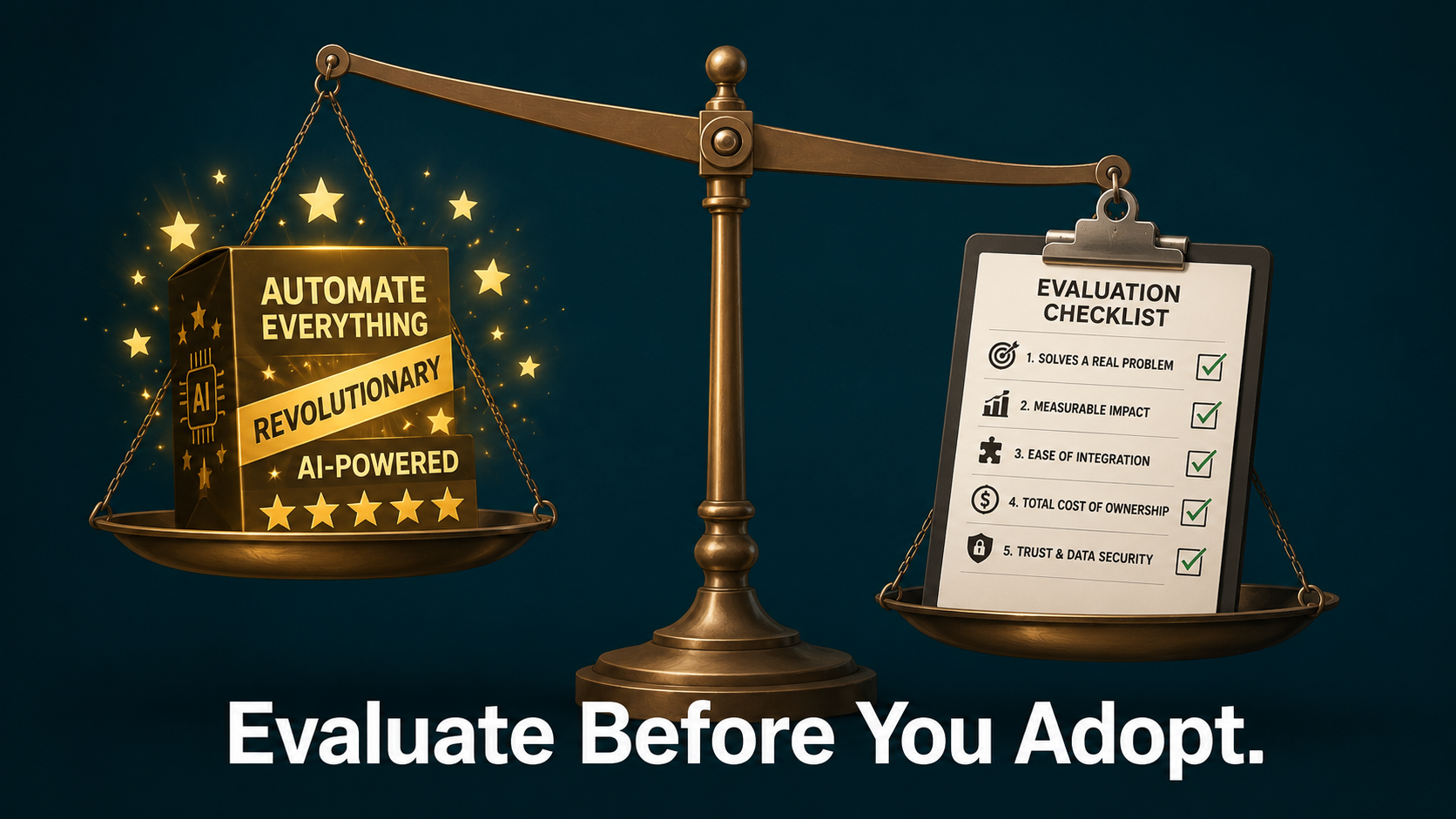
The AI tool market is not short on promises. Every new product launch comes with the same vocabulary: game-changing, productivity multiplier, built for teams like yours. Demos are polished. Case studies are curated. And the pricing pages always end with a “Start Free” button that slides you into a trial before you have asked a single hard question.
The problem is not that AI tools are useless. The problem is that most software teams do not know how to evaluate AI tools correctly — and that gap costs time, money, and credibility. This guide gives you a proven framework to fix that.
This post is for PMs, team leads, and decision-makers who have been burned by a tool that looked great in a demo and created new problems in production. If you want to evaluate AI tools with confidence and stop wasting budget on software that underdelivers, these seven approaches will cut through the noise.
Table of Contents
- Why AI tool marketing is designed to bypass your judgment
- The three questions every PM should ask before testing any AI tool
- Red flags that signal hype over substance
- How to evaluate AI tools properly in under two weeks
- The real cost of adopting the wrong tool
- A simple scoring framework you can use today
- When to say no — and why that is the smartest PM decision
1. Why AI Tool Marketing Is Designed to Bypass Your Judgment
The AI tool market operates on a specific psychological playbook, and understanding it is the first step to evaluate AI tools honestly rather than reactively.
Most AI product marketing does three things in sequence. First, it leads with a pain point you recognize immediately — the repetitive task, the messy handoff, the hours spent on reports no one reads. Second, it shows a demo that resolves that pain point in under 90 seconds, usually with clean data and a cooperative workflow. Third, it creates urgency: early access, a limited free tier, a case study from a company three times your size claiming 40% time savings.
None of this is dishonest in a legal sense. But all of it is designed to shorten your evaluation window and move you toward adoption before you have tested the tool against your actual constraints.
The result is predictable. Teams that fail to properly evaluate AI tools adopt software that works beautifully on demo data and fails on messy, real-world inputs. They pay for automation that requires more manual oversight than the process it replaced. And they end up with a stack of subscriptions that produce outputs no one trusts enough to use without double-checking.
According to Gartner’s AI Hype Cycle analysis, organizations consistently overestimate short-term AI impact while underestimating the integration effort and data quality requirements. The gap between what a tool promises and what it delivers is not a bug — it is the natural result of skipping a structured process to evaluate AI tools before adoption.
2. The Three Questions Every PM Should Ask Before Testing Any AI Tool
Before a trial starts, before a demo is booked, before the tool even enters your pipeline, these three questions will help you evaluate AI tools and eliminate most bad candidates immediately.
What specific, measurable outcome does this tool replace or improve?
Not “saves time” — that is a category, not an answer. The question is: which task, performed by whom, taking how long, producing what output, would this tool change? If you cannot answer that in one clear sentence, the tool has no business in your process when you evaluate AI tools for your team.
What does the tool need from us to function properly?
Every AI tool has hidden input requirements. Clean structured data. Consistent tagging. A specific format for documents or notes. Defined workflows that rarely exist as cleanly in practice. The question is not “what does the tool do” but “what does the tool need us to do first.” The answer will tell you the real adoption cost.
Who on the team owns this tool after the trial ends?
Tooling without ownership degrades immediately. Ask upfront: is there one person accountable for ensuring the tool is used correctly, evaluated honestly, and discontinued if it is not delivering? If the answer is “everyone,” the answer is no one.
3. Red Flags That Signal Hype Over Substance
There are patterns that consistently appear in tools that over-promise and under-deliver. Recognizing them before you commit to a trial saves weeks of wasted time when you evaluate AI tools in practice.
Vague outcome claims without context. “Reduce manual work by 70%” is a marketing number, not a benchmark. Ask: 70% of what task, in what workflow, with what team size, measured against what baseline? If the vendor cannot answer, the claim is not real.
Demo data that looks nothing like yours. Every demo uses clean, well-structured inputs. Ask to see the tool perform on a sample of your actual data before committing to a trial. If the vendor declines or stalls, that is the answer.
Complexity hidden behind simplicity. Some tools present a simple UI that conceals significant setup requirements, prompt engineering, or integration work. Ask the vendor directly: what is the median time-to-value for a new customer?
No clear failure mode. A trustworthy AI tool should be able to tell you what it does badly. If a vendor cannot describe the situations where their tool fails or underperforms, they either do not know or do not want you to know. Neither is acceptable.
Integration promises that depend on future development. “Coming soon” integrations should eliminate a product from your shortlist immediately. Always evaluate AI tools based on what exists today, not what is on the roadmap.
4. How to Evaluate AI Tools Properly in Under Two Weeks
A structured two-week evaluation is enough to get a reliable signal on almost any AI tool. The key is designing the process around outcomes, not features. Here is the exact approach to evaluate AI tools without wasting your team’s time.
Days 1–2: Define success criteria before you start
Write down exactly what the tool needs to do for you to consider it successful. “Produces a first-draft status report requiring less than 10 minutes of editing” is a useful criterion. “Makes reporting easier” is not. Share these criteria with the vendor upfront.
Days 3–5: Test on real data, not demo conditions
Use your actual project documents, your actual team data, and your actual workflows. Do not clean the data before testing. When you evaluate AI tools on real inputs, you get real answers.
Days 6–10: Measure against the baseline
Track how long the same tasks take with and without the tool. Track the number of corrections required for AI-generated outputs. Track how often team members override the tool’s recommendations. These three numbers tell you more than any feature comparison chart.
Days 11–14: Evaluate the team’s actual behavior
Are people using the tool voluntarily or only when reminded? Are they trusting its outputs or treating them as drafts that need significant rework? Adoption behavior during a trial is a reliable predictor of post-trial behavior.
5. The Real Cost of Adopting the Wrong Tool
The visible cost of the wrong AI tool is the subscription fee. The invisible cost is significantly higher — and it is the reason you need to evaluate AI tools rigorously before committing.
Every tool your team adopts creates a cognitive overhead that does not appear on the invoice. People need to learn when to use it, how to review its outputs, and how to work around its failure modes. If the tool does not deliver clear value, that overhead becomes a drag rather than a relief.
McKinsey’s State of AI research consistently finds that organizations with the highest AI adoption rates are not the ones that adopted the most tools — they are the ones that took the time to evaluate AI tools carefully, adopting fewer with higher integration depth and clearer ownership.
There is also a trust cost. When a team adopts a tool that underdelivers, the failure does not just eliminate that tool. It creates skepticism toward the next evaluation — one of the least visible but most consequential costs of poor decision-making.
6. A Simple Scoring Framework to Evaluate AI Tools Today
This is a fast filter designed to remove bad candidates in under 30 minutes. Use it every time you evaluate AI tools for your team. Score each candidate from 1 to 3 on each criterion:
| Criterion | Score 1 | Score 2 | Score 3 |
|---|---|---|---|
| Specific outcome clarity | Vague benefits | Defined category | Measurable output |
| Input requirements | Complex / unclear | Manageable with prep | Works on existing data |
| Integration with current stack | Requires workarounds | Partial native support | Native integration |
| Failure mode transparency | Vendor avoids the question | Partial answer | Clear documented limits |
| Team ownership clarity | No clear owner | Shared ownership | Single accountable owner |
| Trial evidence quality | Demo data only | Mixed real / demo | Full real-data testing |
A score of 15 or higher deserves a proper trial. Below 10, decline without further evaluation. Between 10 and 14, get a second opinion before committing time.
7. When to Say No — and Why That Is the Smartest PM Decision
The ability to decline a tool after a rigorous process is one of the most underrated skills when you evaluate AI tools seriously. Saying no is not a failure — it is the framework working correctly.
“No for now” is almost always better than “yes with conditions.” Tools adopted with conditions — “we’ll use it once we fix our data structure” or “it will work better once the integration is live” — rarely reach the functional state that was assumed. The condition becomes permanent, and the tool becomes shelf-ware.
As Harvard Business Review notes, the organizations building the most durable AI advantages are not the ones moving fastest. They are the ones moving most deliberately.
The next time an AI tool lands in your inbox with a promise that sounds too good to be true, it probably is. Run the three questions. Check the red flags. Test on real data. And if the evidence is not there, say no clearly and move on. That is not resistance to AI. That is exactly how you evaluate AI tools the right way — and how good technology decisions get made.
Looking for the right place to start with AI in your PM workflow? Read where AI actually helps project managers and avoid the biggest mistakes teams make when adopting AI.